







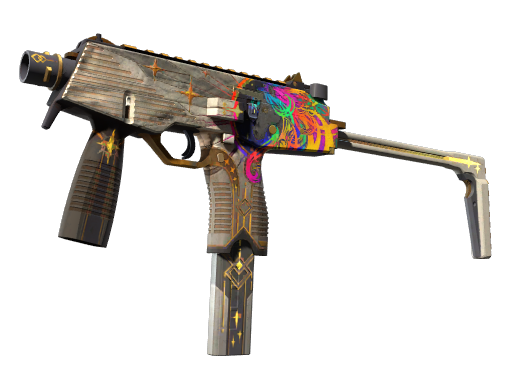

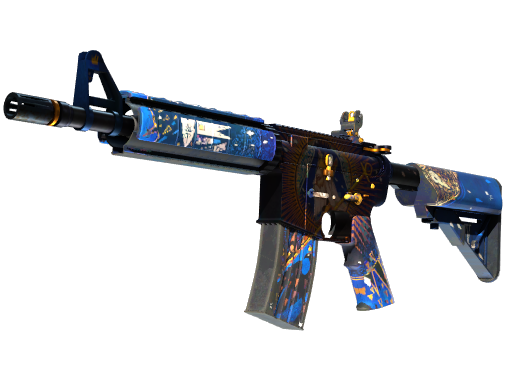
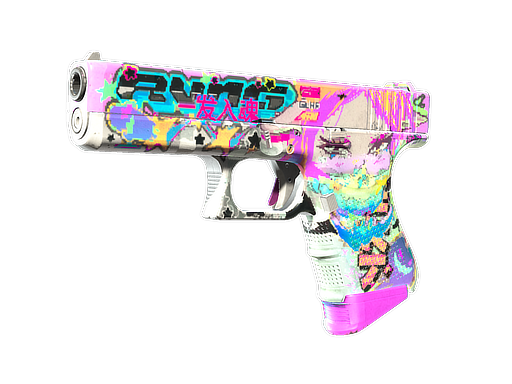


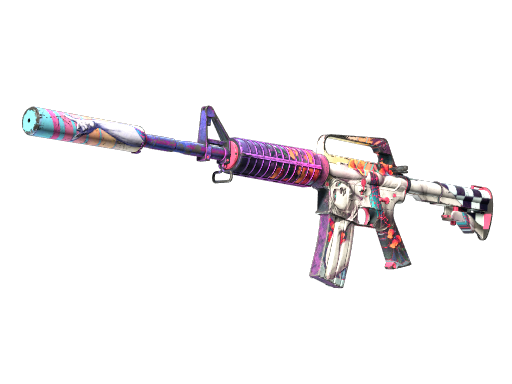

















Skin Inventory Tracker
Sign in with Steam to pull your CS2 inventory, follow CSFloat market prices over time, and see exactly which skins made or lost you money.
Your Steam inventory must be set to Public for us to read it.

See a live example →Search a skin →Browse all CS2 skin prices →
- Live pricesLowest buy-now from CSFloat.
- Price historyDaily snapshots, charted.
- Profit / lossPer skin and overall.
Everything you need to track your CS2 skins
Live multi-market prices
Compare CSFloat, Steam Market, Buff163 and Skinport prices for every Counter-Strike 2 skin, refreshed daily.
Profit & loss tracking
Record what you paid and see realized and unrealized profit or loss across your entire CS2 inventory.
Price history charts
Full daily price history for each skin so you can spot trends before you buy, sell or trade.
Email price alerts
Get an email the moment a skin crosses your target price or moves by a set percentage.
Frequently asked questions
Is SkinROI free?
Yes. SkinROI is completely free — just log in with Steam to track your CS2 inventory value, prices and profit/loss.
Which marketplaces does SkinROI track?
SkinROI shows prices from CSFloat, Steam Market, Buff163 and Skinport for every Counter-Strike 2 skin.
Is my Steam account safe?
Yes. SkinROI uses Steam’s official OpenID sign-in, so your Steam password is never shared with the app.
How do I check how much my CS2 inventory is worth?
Set your Steam inventory to public, then sign in with Steam on SkinROI. It values every item from live CSFloat, Steam Market, Buff163 and Skinport prices, totals it, and shows your profit/loss against what you paid — free.
Why is my CS2 inventory worth a different amount on each site?
Every marketplace prices items independently. Steam Market includes fees and its wallet is region-locked, Buff163 runs on the Chinese market in yuan, and CSFloat and Skinport are Western third-party markets. SkinROI shows all four side by side so you can value at the price you’d actually sell for.
Why is my inventory empty or showing as private?
Your Steam inventory privacy is set to private. In Steam, go to Edit Profile → Privacy Settings and set Inventory to Public, then return and sync — SkinROI reads it automatically.
Why are some of my skins missing from the total?
Items in a Storage Unit aren’t part of your visible inventory and won’t be valued — take them out first. Trade-locked items still count. If something’s still missing, hit Sync to pull your true current inventory.
Can I track profit and loss on my CS2 skins?
Yes. Enter what you paid and SkinROI shows unrealized profit/loss on what you hold, and realized P/L once you record a sale.
How often do SkinROI’s prices update?
About every five minutes across all four markets, with full daily price history kept for each skin.
Does SkinROI work on iPhone?
Yes — there’s a free iOS app alongside the web app, with the same live prices, valuation and price alerts.
Can I get alerted when a CS2 skin hits a target price?
Yes. Set a target price or a percentage move on any skin you own or watch, and SkinROI emails or pushes you when it crosses.